r888 App
Play Anywhere in Bangladesh
The r888 app puts slots, live casino tables, cricket betting, and instant bKash deposits in your pocket. Version 3.1.12 is free, 32 MB, and runs on any Android 8.0 phone or newer.
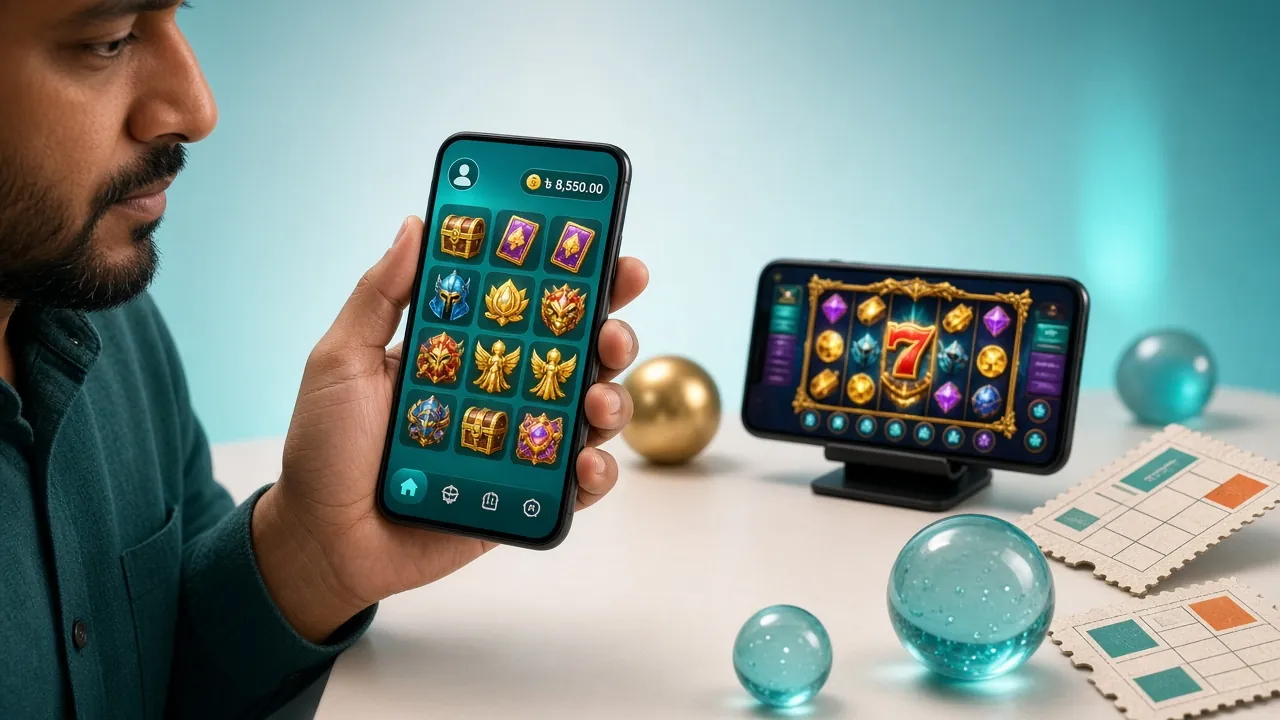
Safe to Download & Install
The r888 app APK is served directly from our server. No third-party store, no modified file. Here is exactly what the app does and does not do on your device.
SSL-Encrypted Traffic
Every connection between the r888 app and our servers uses TLS 1.3 encryption. Your login credentials, deposit amounts, and personal details are never sent in plain text. The same certificate protects the r888 website and the app. No man-in-the-middle attack can read your session data.
Minimal Device Permissions
The r888 app requests only: Internet access (required), camera (optional, for KYC document upload), and storage (optional, to save deposit receipts). It does not access your contacts, SMS, microphone, or location. You can deny camera and storage permissions and still play normally. Revoke any permission at any time in Android Settings.
What "Unknown Sources" Means
Android blocks APK files from outside the Play Store by default. Enabling "Install unknown apps" for your browser or file manager is a standard step for any direct-download APK. It does not lower security for other apps. After installation you can toggle the permission back off. The r888 APK file itself is clean and unmodified.
Keeping the App Up to Date
The r888 app checks for updates each time you open it. When a new version is available, a banner appears with a one-tap download link. You do not need to uninstall the old version first; the update installs over it and keeps your account data intact. Always update when prompted to stay on the latest security patch.
System Requirements & Version Details
The r888 app is built for the phones most people in Bangladesh actually use — mid-range Android devices with modest storage. No iOS App Store version exists yet; iPhone users can use the mobile browser or add to Home Screen (see below).
| Field | Detail | Notes |
|---|---|---|
| App Version | 3.1.12 | Released 5 Nov 2026 |
| File Name | r888.apk | Download from r888.team only |
| File Size | 32 MB | Wi-Fi or mobile data both fine |
| Minimum Android | Android 8.0 (Oreo) | Works on Android 8–14+ |
| iOS Support | No native app | Use Safari → Add to Home Screen |
| Price | Free | No in-app purchase to unlock features |
| Language | English & Bangla | Toggle in app Settings > Language |
| Last Updated | 2026-11-05 | Stability and speed improvements |
What Loads Instantly in the r888 App
The app gives you the full r888 game library — over 3,800 titles — without opening a browser tab. The six sections below cover what most players in Bangladesh use the app for every day.

Slots on Mobile
Play Muay Thai Champion (RTP 97.4%), Honor of Juma, Panda Dragon Boat, and thousands more. Autoplay, turbo spin, and bet history all work in the app. Games load in under 3 seconds on a standard 4G connection. Providers include Pragmatic Play, JILI, CQ9, and Playtech.

Live Casino Tables
Mini Baccarat, Blackjack MH, and live roulette stream in HD directly in the app. The video feed adjusts to your connection speed automatically. Minimum bet starts from ৳1 on Mini Baccarat. Chat with dealers and see the history board without switching to a browser window.
bKash & Nagad in the App
Deposit with bKash, Nagad, Rocket, Upay, or Bank Transfer without leaving the app. The minimum deposit is ৳450. Money arrives in your r888 wallet in about 4 minutes. The deposit screen remembers your last-used method so checkout takes seconds on repeat visits.
Cricket & Sports Betting
Place pre-match and in-play bets on BPL, IPL, T20, and ODI matches straight from the app. Odds refresh in real time. The r888 app shows live scores alongside your bet slip so you do not need a separate cricket app. Football, kabaddi, and other markets are also available.
Crash Games
Crash games let you cash out before the multiplier busts. The r888 app shows a smooth animated graph and instant cash-out button — better than the browser version on slower phones because the app renders locally. Set an auto cash-out target and walk away from your screen.
Fishing & Arcade Games
Relax Fishing (RTP 96.8%), Happy Fishing, and Jackpot Fishing all use touch controls that feel natural on mobile. Tap to aim, hold to charge, swipe to switch cannons. These games are genuinely more fun in the r888 app than on a laptop because the touch interface was designed for them.
r888 App vs Browser Side by Side
Both options give you the full game library. The app has a few practical advantages if you play on mobile more than a few times a week.
| Feature | r888 App | Mobile Browser |
|---|---|---|
| All 3,800+ games available | ||
| Push notifications for match results | ||
| One-tap login (biometric / PIN) | Password only | |
| Offline game history & bet slips | ||
| Works in poor network (3G) | Optimised | Depends on browser |
| bKash / Nagad deposit | ||
| Live cricket score overlay | ||
| Auto-update available | Always latest | |
| Storage space needed | 32 MB | Cache only |
Installing the r888 App on Android
The whole process takes under three minutes on a standard connection. Follow these steps exactly to avoid the most common errors.
-
1Allow Installation from Unknown SourcesOpen Android Settings → Apps → Special App Access → Install Unknown Apps. Find your browser (Chrome, Firefox, or your file manager) and tap Allow. This tells Android it is okay to install APK files you download yourself. You only need to do this once. The setting applies only to that one app — not your whole phone.
-
2Download the r888 APK FileTap the button below (or the Download APK button at the top of this page). Your browser will save r888.apk (32 MB) to your Downloads folder. On a 4G connection the download finishes in about 30 seconds. Only download from r888.team — do not use third-party APK sites, as those files may be modified.
-
3Open and Install the APKPull down the notification shade and tap r888.apk in the download notification, or open your file manager and navigate to Downloads. Tap the file, then tap Install on the Android prompt. The installation takes about 10 seconds. Android will show App Installed when done. Tap Open to launch immediately.
-
4Log In or Create Your r888 AccountIf you already have an r888 account, enter your phone number and password on the login screen. New players: tap Register to create a free r888 account — it takes under two minutes. After your first login the app remembers your session so you will not need to sign in again unless you log out manually.
-
5Make Your First Deposit and PlayTap Deposit in the bottom bar, choose bKash, Nagad, Rocket, Upay, or Bank Transfer. The minimum is ৳450. Your first deposit qualifies for the r888 welcome bonus — 155% up to ৳11,000. Money lands in your wallet in roughly 4 minutes. Head to the game lobby and start playing.
Scan the QR code with your phone camera to open the download page directly.
iPhone Users: Add r888 to Your Home Screen
Safari Shortcut Method
There is no App Store version of r888. The Safari Add to Home Screen method gives you an app-like icon and full-screen view on your iPhone.
- Open r888.team in Safari on your iPhone (this method does not work in Chrome for iOS).
- Tap the Share button at the bottom of the screen (the box with an arrow pointing up).
- Scroll down the share sheet and tap Add to Home Screen.
- Change the name to "r888" if you like, then tap Add in the top-right corner.
- An r888 icon now appears on your iPhone home screen. Tap it to open the site in a full-screen view without the Safari toolbar. Log in to your r888 account to get started.
iOS Limitations vs Android App
- No push notifications on iOS
- Safari may reload the page if you switch apps
- All games play fine in Safari
- bKash and Nagad deposits work normally
- Live casino streams are stable on Wi-Fi
Fixing Installation Problems
Most errors happen because of one setting or a partial download. The table below covers the five issues reported most often by r888 players in Bangladesh.
| Error / Symptom | Likely Cause | Fix It |
|---|---|---|
| "Install blocked" message | Unknown Sources permission not enabled for your browser or file manager app. | Go to Settings → Apps → Special App Access → Install Unknown Apps. Find your browser or file manager and switch Allow to on. Try the install again. |
| "Parse error" or "App not installed" | The APK file downloaded incorrectly — either interrupted or corrupted mid-download. | Delete the partial r888.apk file from your Downloads folder. Reconnect to Wi-Fi or a strong mobile signal, then download again from this page. Do not use a download manager that splits files. |
| App installs but won't open | Android version below 8.0, or not enough free storage space on the device. | Check Android version in Settings → About Phone. Must be 8.0 or higher. Free up at least 64 MB of storage (double the app size) before installing. Restart the phone after clearing space, then try again. |
| Games load slowly or freeze | Background apps consuming RAM, or connection drops below 2 Mbps during a live casino stream. | Close other apps before opening r888. For live casino, switch to Wi-Fi if available. In the app's Settings menu, enable Low Bandwidth Mode to reduce video quality and prevent buffering on a weak signal. |
| Deposit not arriving in wallet | bKash or Nagad transaction reference not entered, or typed incorrectly in the r888 deposit form. | Check your bKash or Nagad transaction history for the exact Transaction ID. Go back to the r888 app deposit page and enter it correctly. Normal arrival time is 4 minutes. If 15 minutes pass, contact [email protected] with the Transaction ID. |
Frequently Asked Questions
Is the r888 APK safe? Could it contain malware?
What if the APK installation fails on my phone?
How do I update the r888 app to the latest version?
Can I use the app and the website at the same time on different devices?
Do I need to create a new account for the app?
Is the r888 app available for iPhone (iOS)?
How much mobile data does the app use per hour?
Need Help?
Our support team is online 24/7. If you are stuck on installation or a deposit, reach out and we will walk you through it.
[email protected]- SSL Secure
- 18+ Only
- 24/7 Support
- bKash Ready